
Documentation by X-Pilot

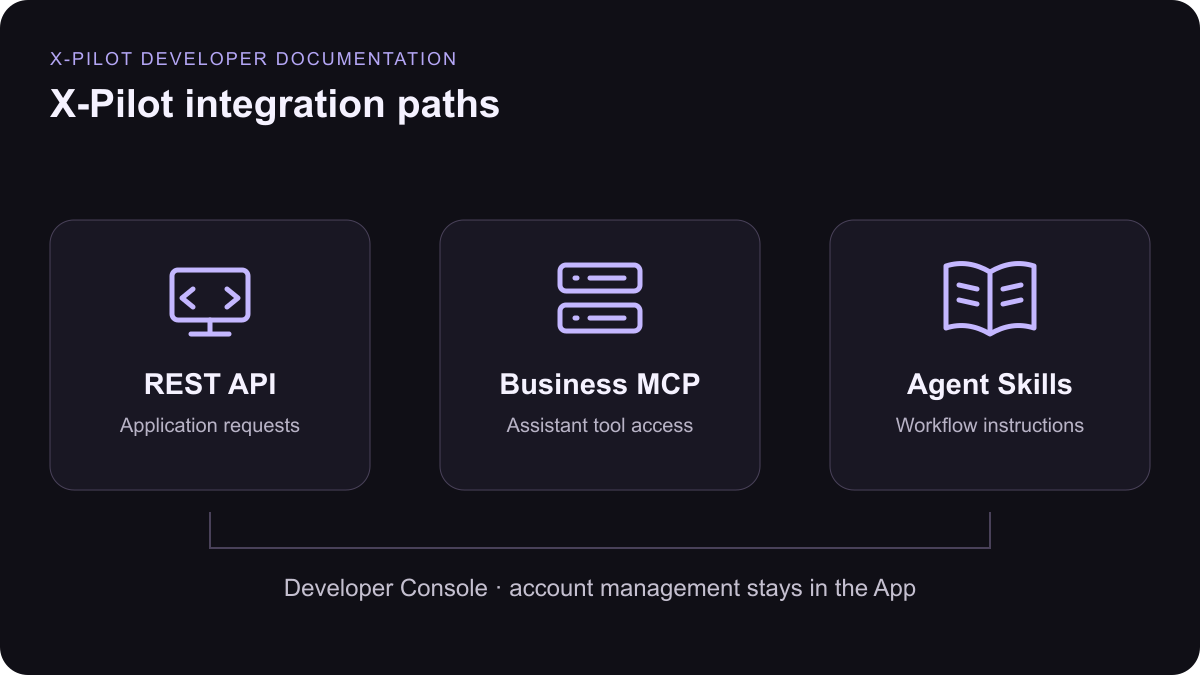
Choose the integration that fits your workflow. Read the public documentation without signing in; manage keys, credits and usage in the Developer Console.

API Reference

Explore REST endpoints and send a request from the API playground.

MCP Integration

Connect a compatible AI assistant with OAuth or an API key.

Agent Skills

Install the official video, audio and avatar workflows.

Your first integration

  1. Create a scoped key and check credits and capacity.
  2. Open an endpoint, fill its parameters and review the request.
  3. Send the request when ready, then inspect the response and request ID.
  4. Review the preview. Request an MP4 render separately when you need a downloadable file.
The documentation and playground are generated from the same REST contract as the App. Download OpenAPI or read the shared reference.
The REST API, business MCP server and official Agent Skills are three integration paths for X-Pilot workflows, with account management in the App.
Use the REST API, business MCP or official Skills. Manage your account in the App console.