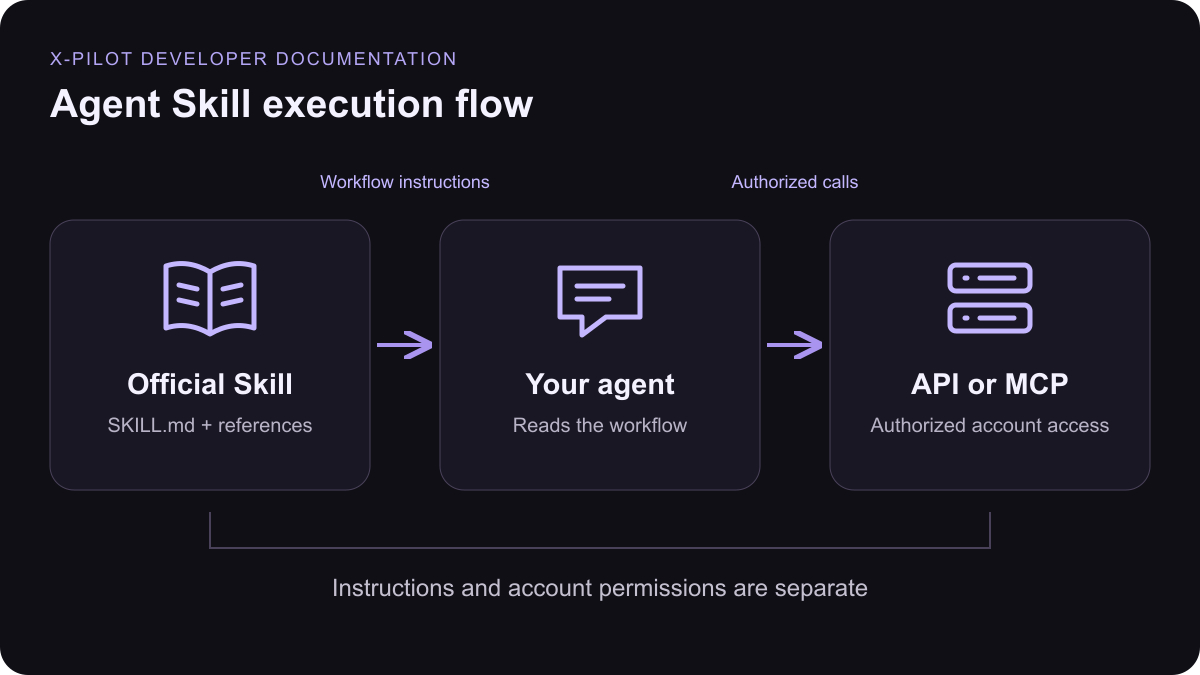
Documentation by X-Pilot
Package:xpilot-audio.
Download ZIP · Read SKILL.md
Included references
Skill source
---
name: xpilot-audio
description: Find and preview X Pilot voices, produce spoken MP3 audio, and clone voices (Voice I instantly, or Voice II with the speaker's recorded consent) when the user requests narration, voiceover, text-to-speech, or a voice clone using X Pilot.
---

Prefer a connected X Pilot MCP client. For REST, read [references/api.md](references/api.md); use configured environment credentials, never ask for keys in chat.

## Voice versions

- Voice I (`voice_version=1`, the default) and Voice II (`voice_version=2`) are both available for synthesis and cloning. Always pass the `voice_version` that `list_voices` returned for the chosen voice; never substitute one version for the other or fall back silently when one fails.
- Voice I clones instantly from one sample. Voice II clones are more natural personal voices that require the speaker's recorded consent and take a few minutes to prepare.
- Video generation is separate: a video's `video_config.voice_id` may use either version returned by `list_voices`.

## Workflow

- Find voices with `list_voices` (`type=public` for the catalog, `type=private` for the user's own clones), filtered by language. Use a returned voice ID; never guess provider IDs or clone another person's voice.
- Check readiness with `get_voice`. For pending or failed voices, explain the status instead of silently substituting another voice.
- For a fixed audition clip, play `samples` from list or detail. There is no separate preview endpoint.
- Call `generate_audio` with text, voice_id and optional locale and speed. Limit each request to 1,000 characters; split longer scripts on paragraph boundaries and label the clips. Do not promise one merged file.
- To clone a Voice I voice, find an audio file with `list_assets` or upload one with REST multipart `POST /v1/assets` (field `files`; wav, mp3, m4a, aac, ogg or flac, ≤20 MB), then call `clone_voice` with that owned audio URL. Delete owned clones with `delete_voice`.
- To clone a Voice II voice, only clone the speaker's own voice with their explicit agreement:
  1. Call `get_voice_clone_config`. If `voice_ii_available` is false, explain that and offer Voice I only if the user agrees.
  2. Ask for the speaker's real name and recording language (one of `locales`). Show the matching `consent_statement` with `{voice_talent_name}` and `{company_name}` filled in, and ask the speaker to record themselves reading it exactly.
  3. Upload two separate owned files with `POST /v1/assets`: a 5–90 second voice sample and the consent recording (≤90 seconds), both from the same speaker.
  4. Call `clone_voice` with `voice_version: 2`, `name`, `audio_url`, `voice_talent_name`, `locale`, `consent_audio_url` and `consent_accepted: true`. Set `consent_accepted` only after the speaker has explicitly agreed in this conversation; never fabricate or reuse someone else's consent recording.
  5. Poll `get_voice` with `voice_version: 2` every few seconds until `state` is `trained` (`selectable: true`) or `failed`. A failed clone cannot be retried with the same inputs; delete it and record again.
- Generate a stable UUID `idempotency_key` for each write and reuse it only when retrying the same input. Never ask the user for retry keys, budgets or limits. A pending or unknown result is not permission to resubmit with a new key.

## Delivery

Return the real `audio_url`, format and voice used. A data URL contains the MP3 bytes; save or play it with the client's media tools. Never fabricate a hosted download URL or claim a clone finished before `get_voice` shows it ready.

Standalone TTS follows the platform TTS policy with no separate developer surcharge. Video and avatar workflows bill differently.