Documentation by X-Pilot
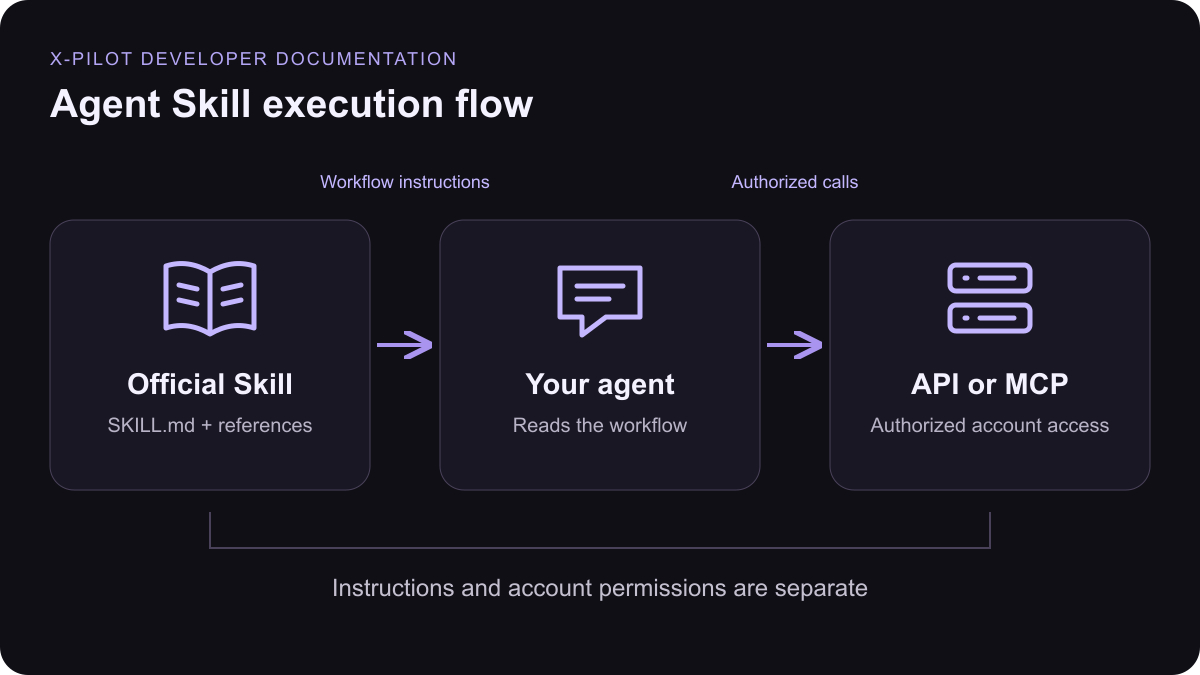
Package: `xpilot-avatar`. [Download ZIP](https://www.x-pilot.ai/assets/developer/skills/xpilot-avatar.zip) · [Read SKILL.md](https://www.x-pilot.ai/assets/developer/skills/xpilot-avatar/SKILL.md) ## Included references * [references/api.md](https://www.x-pilot.ai/assets/developer/skills/xpilot-avatar/references/api.md) ## Skill source ```markdown theme={null} --- name: xpilot-avatar description: Find, create and inspect X Pilot digital humans from uploaded images or training videos, and synthesize talking-presenter videos with them from text or audio, when the user asks for an X Pilot presenter or avatar video. --- Use connected MCP first. For REST read [references/api.md](references/api.md). Installation does not authorize access; credentials stay in client settings or environment variables. ## Source rules - Use a file in the user's own account: find it with `list_assets` or upload it with REST multipart `POST /v1/assets` (images ≤10 MB, video ≤60 MB), then pass its `asset_id`. - `image_url` / `video_url` may be a public http(s) URL supplied by the user. X Pilot downloads third-party content and archives it to that user's owned storage before training. Never search for, guess or invent a source URL, use private-network URLs, or use another person's likeness without authorization. ## Workflow - List avatars with `list_avatars` and inspect `get_avatar` before choosing a presenter. - Create with `create_avatar`: name, avatar_type (`human_video` with a training video, or `virtual_character` with an image plus gender `Male` or `Female`), and the source from the rules above. Generate a stable UUID `idempotency_key` internally. Do not send a consent field or ask the user for API permissions or budgets. - Save the avatar ID and poll `get_avatar` about every five seconds, respecting Retry-After, until `status` is `ready` or `failed`. Use `stage` to describe progress and `error.message` to explain a failure. Report `generating`, `failed` and `migration_required` honestly; never recreate or retrain to hide a failure. - An avatar is usable in a video only when `selectable` is `true`. `training_status=ready` alone is not enough. Deliver the real preview URLs returned by the resource. - Delete owned avatars with `delete_avatar` only when the user asks. - If the user runs a receiving service and gives you its public HTTPS URL, pass it as `callback_url` (optional `callback_id`) on `create_avatar` or `create_avatar_video` to get an `avatar.completed` / `avatar.failed` or `avatar-video.completed` / `avatar-video.failed` event instead of polling. Never invent a callback URL. ## Avatar video - For a standalone talking clip (no course video), call `create_avatar_video` on an avatar whose `training_status` is `ready`. Send exactly one speech source: `text` (≤5,000 characters) with a `voice_id` and its matching `voice_version` (Voice I or Voice II) from `list_voices`, or the user's own speech audio as `asset_id` / public `audio_url`. Speech is capped at 5 minutes. - It is paid per rendered second at the digital-human video rate; check credits first and tell the user before submitting long scripts. Generate a stable UUID `idempotency_key`; never resubmit to hide a failure. - Poll `get_avatar_video` at least five seconds apart until `status` is `completed` or `failed`. Deliver the returned `video_url` — a transparent-background WebM (VP9 with alpha) meant for compositing — and report `cost_credits` and errors honestly. Do not clone a voice or publish a video as a side effect. For a full video with this presenter, use the course video Skill and pass the avatar ID as `video_config.avatar_id`; the video request fails with 409 `avatar_not_ready` until the avatar is selectable. ``` [Connect with MCP](/mcp-integration) · [API Reference](/api-reference) export const XpilotDocFigure = () =>